
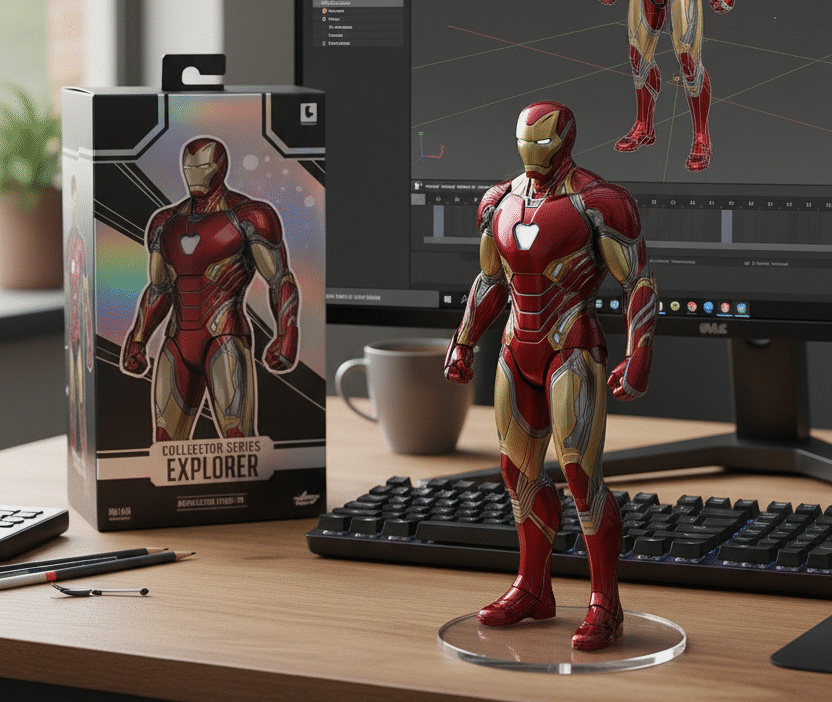
The Nano Banana Craze: Tiny Figurines, Big Dreams! 🍌✨
Picture this: adorable mini-me nano banana 3d figurines that look exactly like you, your friends, or anyone you can imagine – all created with just a few clicks! That’s the magic behind the Nano Banana AI figurine trend that’s taking social media by storm.
What’s All the Buzz About?
These aren’t your ordinary collectibles. Nano Bananas are:
- Hyper-realistic miniature figurines that capture incredible detail
- Completely customizable – think endless possibilities for creativity
- Made with AI magic using Google’s Gemini 2.5 Flash Image tool
- Totally free to create (yes, really!)
Why Everyone’s Going Bananas 🍌
The secret sauce? It’s the perfect recipe of:
- Simple to make – no 3D modeling expertise needed
- Fun to create – unleash your imagination
- Easy to share – instant social media gold
- Uniquely yours – every figurine tells a story
Ready to Join the Fun?
In this guide, we’ll walk you through everything you need to know – from understanding what makes these figurines so special to creating your very own 3D masterpieces. Plus, we’ve included ready-to-use AI prompts so you can start crafting your collection right away!
Get ready to shrink your world and expand your creativity!
Your DIY Nano Banana Adventure: From Photo to Figurine in 4 Simple Steps! 🎨
Ready to transform yourself (or anyone!) into an adorable collectible figurine? Here’s your foolproof roadmap to creating stunning Nano Banana 3D models without spending a penny!
Step 1: Jump Into Google AI Studio
Think of this as your creative playground! Simply head over to the Gemini app or website – it’s like having a professional 3D artist in your pocket, ready to work their magic.
Step 2: Choose Your Creative Path
You’ve got two awesome options here:
- Photo + Prompt Method (highly recommended!) – Upload any portrait or photo and let AI work its transformation magic
- Prompt Only Method – Describe your dream figurine and watch it come to life
Pro tip: The photo method gives you way more realistic and personalized results!
Step 3: Use Google’s official prompt
Here’s the golden prompt straight from Google’s official playbook – think of it as your magic spell:
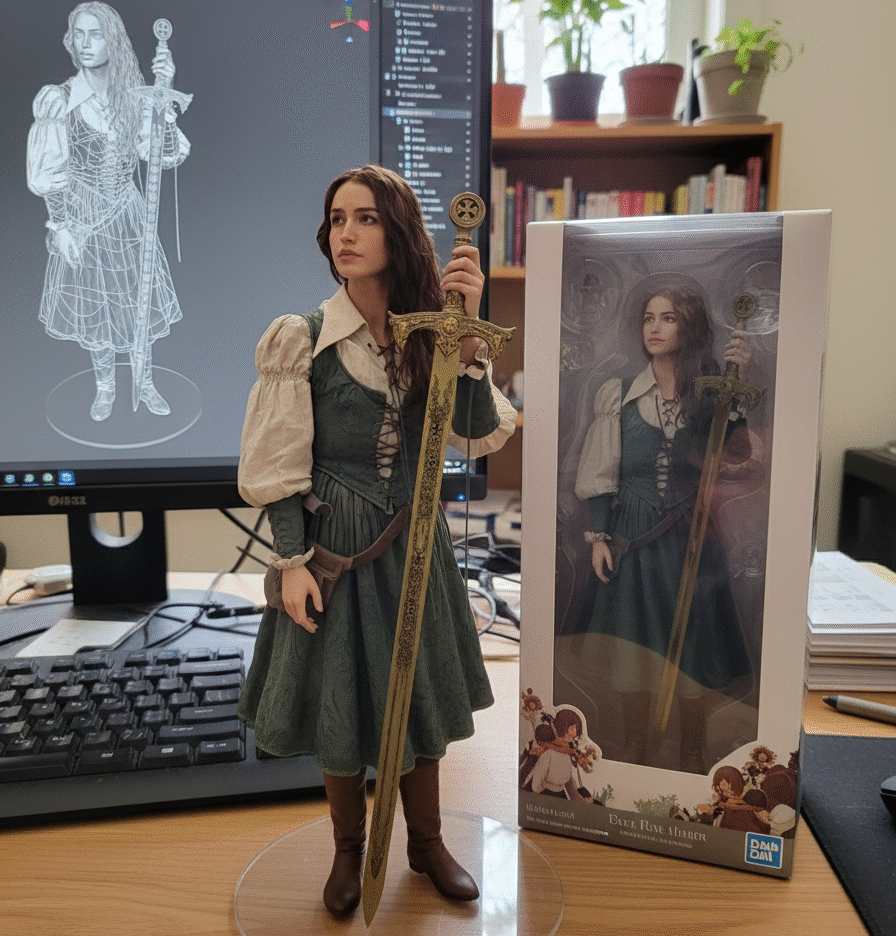
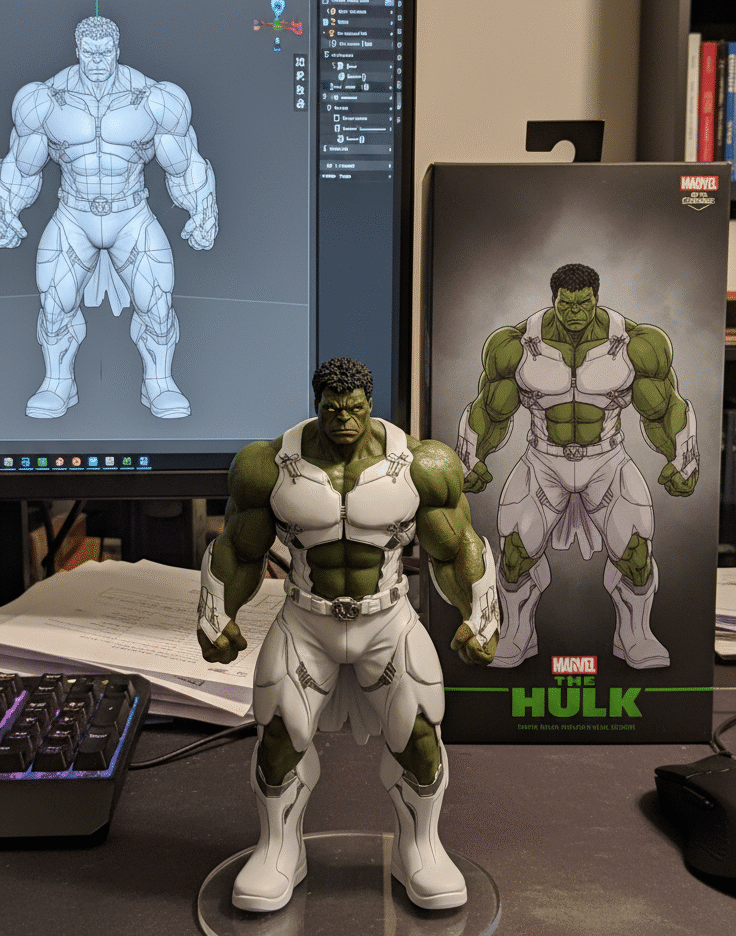
“Create a 1/7 scale commercialized figurine of the characters in the picture, in a realistic style, in a real environment. The figurine is placed on a computer desk. The figurine has a round transparent acrylic base, with no text on the base. The content on the computer screen is a 3D modeling process of this figurine. Next to the computer screen is a toy packaging box, designed in a style reminiscent of high-quality collectible figures, printed with original artwork. The packaging features two-dimensional flat illustrations.”
Here are few example of 3D figurines make by using above Google prompt ↑
Step 4: Generate, Admire, Perfect!
Hit that Generate button and watch the magic happen – we’re talking seconds, not hours! Once your mini masterpiece appears, take a moment to admire your creation. Something not quite right? No worries! Tweak one element in your prompt or try a different photo. It’s like having unlimited do-overs until you get that perfect figurine.
Pro Creator Tip: Don’t be afraid to experiment! Each generation is free, so play around with different poses, expressions, or even outfits until you create something that makes you smile.
[…] Also visit our next blog click here […]