
Image:Google
What is Google Photos “Help Me Edit” Feature?
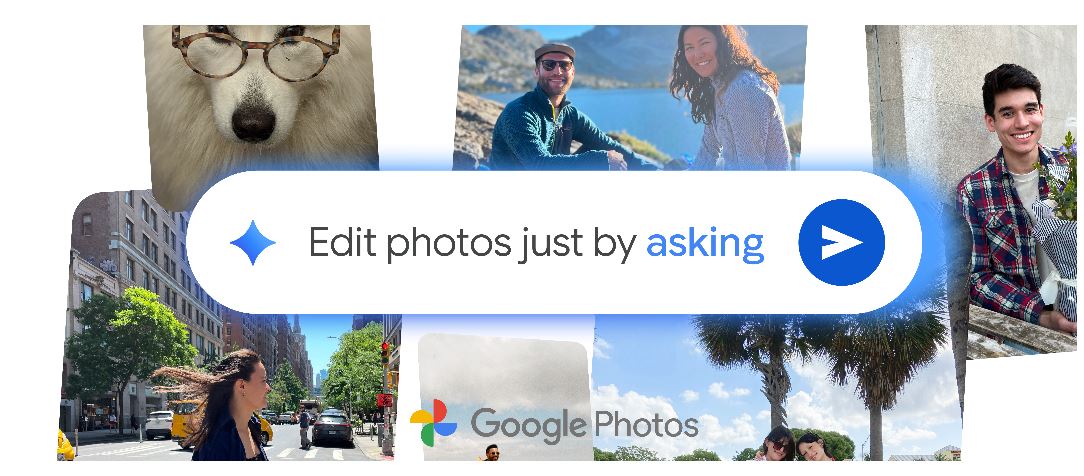
Google Photos has expanded its revolutionary AI-powered photo editing capabilities beyond Pixel 10 devices to all eligible Android smartphones in the United States. The Gemini-powered conversational editing feature allows users to edit photos using voice commands or text descriptions instead of manual photo editing tools.
How to Use Google Photos AI Editing on Android
Step-by-Step Guide to Voice-Activated Photo Editing
Starting today, Android users can access this intelligent photo editor by following these simple steps:
- Open Google Photos app on your Android device
- Select the photo you want to edit
- Tap the “Help me edit” button in the photo editor
- Use voice commands or type your editing instructions
- Let Google’s AI apply the changes automatically
Google Photos Voice Commands That Actually Work
Natural Language Photo Editing Examples
The AI photo editing feature understands conversational commands, making photo enhancement accessible to everyone:
- “Make it better” – General photo improvement
- “Restore this old photo” – Vintage photo restoration
- “Brighten the image” – Lighting adjustments
- “Remove background distractions” – Object removal
- “Enhance colors” – Color correction and saturation
Credit: Google
Benefits of AI-Powered Photo Editing vs Traditional Tools
Why Conversational Photo Editing is Game-Changing
Traditional Photo Editing Challenges:
- Complex adjustment sliders and technical settings
- Time-consuming manual corrections
- Requires photo editing knowledge and skills
Google Photos AI Editing Advantages:
- Instant photo improvements with simple voice commands
- No technical photo editing experience required
- Faster editing workflow for busy users
- Suggested edits for quick photo enhancement
Who Can Access Google Photos AI Editing Feature?
Currently available to:
- Android smartphone users in the United States
- Google Photos app users with eligible devices
- Users with updated Google Photos application
Note: More specific commands provide better editing results than vague descriptions, but the feature excels at understanding natural language requests.
Conclusion: The Future of Mobile Photo Editing
Google Photos’ conversational editing represents a significant shift toward user-friendly AI photo editing tools. While detailed commands yield more precise results, this accessibility-focused approach makes professional-quality photo editing available to everyone with an Android device.
Key Takeaway: Google Photos transforms complex photo editing into simple conversations, making advanced image enhancement accessible through natural voice commands and text descriptions.
Also read our next blog click here


[…] Also read our next blog click here […]